Keystroke: F3
This is a standard
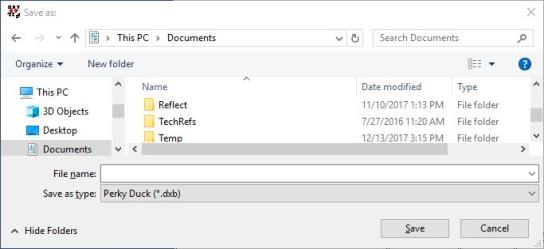
It allows you to save your file under a different name and/or in a different location or format.
File Name: is the text entry field where you enter the (possibly new) name of your document to save it.
Save as type: You may save your file in either the Perky Duck .dxb format, or in the common .brf format. (Check with your instructor as to which format is required.)