Languages and DBT
The Different Ways Languages are Used in DBT
- Duxbury DBT can import many types of files, including files in many different languages and in many different scripts.
- DBT can translate from print to braille for over 180 different languages.
- DBT can translate from braille to print in about 170 different languages.
- DBT translators can contain rules for secondary languages. This allows support for specialized handling for foreign languages in braille.
- DBT allows you to select the language of the user interface from 15 different choices.
- Using Google translate, DBT allows you to read the DBT Help files in over 135 different languages. (requires an internet connection)
- DBT allows the input and display of braille characters to match the different international character map settings in screen readers.
- DBT supports several specialized braille page formatting systems.
- Duxbury Reaches Out to Meet Braille Needs Around the World.
Duxbury DBT Win 14.1 SR2 contains
support for the
English language.

Translation Tables/Template Names in DBT (Win or Mac)
Duxbury DBT uses a system of supplied (or user installed) templates to select a braille translator. But the template can do more than just select a language translator. For most languages, there is only one template. For others there are more than one. For example, there are two templates for Mandarin Chinese, for the two most
Each translation table is used to produce a different form of braille. Duxbury DBT can produce braille needed for many different languages and nations. "Contracted" means there are abbreviations for certain letter combinations. "Uncontracted" means that all inkprint letter combinations are preserved in the braille.
Please note that there are actually two levels of language support for braille translation, a primary language, and a secondary language in the context of the first. For example, both "Spanish" entries in the European language list are designed for native speakers in countries where Spanish is the national language (primary language). If you are producing a textbook on Spanish to be used in the United States, however, the braille would be produced using the English UEB table, with Spanish chosen as a secondary language.
The Five World Regions
As you use Duxbury DBT, Templates are arranged by 5 world regions to make the lists manageable. If you want, you can list all the Templates in one long list.
| Western Hemisphere |
|---|
| Europe |
| Asia |
| Africa |
| Pacific |
Western Hemisphere
| Flag(s) | DBT Template Name | DBT Language Code | Braille-to-Print |
|---|---|---|---|
   | Biblical original language studies | qbi | Yes |
| English/American | eng-xna | Yes |
| English/American Textbook | eng-xnat | Yes |
| English/American Textbook (Distinct Emphasis) | eng-xnate | Yes |
  | English/Unified | eng-xueb | Yes |
 | Esperanto | epo | Yes |
| French/Québec (pre-Unified) | fra-xqu | Yes |
| French (Unified) | fra-xuf | Yes |
| | Greek Classical (American) | grc-a | No |
 | Greenlandic (Kalaallisut) | kal | Yes |
 | Haitian Creole use Francais 2006 - integral | fra-xuf | yes |
| Hebrew/American | heb-usa | No |
 | Guarani | grn | Yes |
 | Hmong (RPA) | qhm | Yes |
 | IPA Phonetic System | qip | Yes |
 | Portuguese | por | Yes |
 | Quechua | que | Yes |
| Semitic language transcription | qak | No |
  | Spanish/Original | spa | Yes |
| | Spanish/Reducida | spa-xre | No |
Europe




Asia


Africa
| Flag(s) | DBT Template Name | DBT Language Code | Braille-to-Print |
|---|---|---|---|
 | Afrikaans | afr | Yes |
| Afrikaans (pre-Unified) | afr-x00 | No |
 | Amharic | amh | Yes |
  | Arabic | ara | Yes |
| | Arabic (pre-2002 rules) | ara-x02 | No |
 | Chewa (a.k.a., Nyanja) | nya | Yes |
| English/South African (pre-Unified) | eng-zaf00 | Yes |
| | English/Unified | eng-xueb | Yes |
| Esperanto | epo | Yes |
  | Éwé | ewe | No |
 | Fulah (a.k.a., Fula) | ful | Yes |
  | Hausa | hau | Yes |
| IPA Phonetic System | qip | Yes |
| Igbo | ibo | Yes |
  | Kalanga | kck | Yes |
 | Kikongo | kon | Yes |
 | Kinyarwanda | kin | Yes |
 | Kirundi | run | Yes |
 | Kituba | ktu | Yes |
 | Leb-Lango | laj | Yes |
| Luba-Kasai | lua | Yes |
 | Malagasy | mlg | Yes |
 | Ndebele | nde | Yes |
| Nguni | qng | Yes |
| Oromo | orm | Yes |
| Shona | sna | Yes |
 | Somali | som | Yes |
| Sotho (Southern or Northern (Pedi)) | sot | Yes |
  | Swahili | swa | Yes |
 | Swati | ssw | Yes |
| Tigrinya | tig | Yes |
| Tonga | toi | Yes |
 | Tsonga | tso | Yes |
| Tswana | tsn | Yes |
| Umbundu | umb | Yes |
| West African languages | qaf | Yes |
| Venda | ven | Yes |
| Xhosa | xho | Yes |
| Yoruba | yor | Yes |
| Zulu | zul | Yes |
Pacific
| Flag(s) | DBT Template Name | DBT Language Code | Braille-to-Print |
|---|---|---|---|
 | English/Australian (pre-Unified) | eng-aus00 | Yes |
| | English/Unified | eng-xueb | Yes |
| Esperanto | epo | Yes |
| IPA Phonetic System | qip | Yes |
Secondary Languages within English UEB
Each primary language table has some secondary languages which can be used with it. The secondary languages listed below are available while the English UEB table is in use. Use the secondary language to translate passages of the foreign language within English text. The English text (the primary language) is translated using the regular English UEB rules.
| Flag | Language | 3 or 2 character lng code |
|---|---|---|
 | German | deu (de) |
 | Hawaiian | haw |
 | Italian | ita (it) |
 | Latin | lat (la) |
 | Maori | mao (mi) |
 | Spanish | esp (es) |
Information about secondary languages available in other tables can be found by pressing the F1 Help key when reviewing the Translation Table menu (found in the DBT Document Menu). Here is the direct link to information on secondary languages within English UEB.
The Language of the User Interface in the DBT Program
The Language of the User Interface means the language of the menus, prompts, and error messages when one uses Duxbury DBT. When DBT first boots up, it uses the Regional setting in the Control Panel to decide what User Interface Language to start in. After that, you can change the User Interface Language in DBT's Global, Internationalization menu. There are 80 choices.
 | Chinese |
 | Czech |
 | Danish |
 | Dutch |
 | English |
   | French |
 | German |
| | Italian |
  | Korean |
 | Norwegian |
 | Polish |
 | Portuguese |
 | Russian |
| | Spanish |
 | Swedish |
The Language for the Help File in DBT
Using Google translate, DBT allows you to read the DBT Help files in over 135 different languages. While machine translation is not ideal, it can give you the answers you need. Link to the Internet Edition of the DBT Help.
The Braille Font Used
When DBT displays braille dot patterns on the screen, the way this is done is usually not an issue to a user. But if the user is blind, and is using software like JAWS to drive a braille device to follow the screen, then the user very much wants the braille on the screen to match the braille on the braille display. This is only possible if the braille font the DBT uses matches the association between ASCII characters and braille cells used on the braille display.
DBT sends ASCII characters to drive different braille devices. Different devices and/or different regions use different systems to associate braille characters with ASCII characters. This is an area that is quite technical, and frustrating if it is not set up properly. However, virtually all braille devices made can work with the North American system, which is the default. Or the user can select another system in the Global, Internationalization menu.
DBT uses a file called display.cpt to link braille symbols with ASCII characters. To solve problems that cannot be handled
using the existing choices, this table can be edited. Users who successfully modify this table for additional braille devices
are request to email it to Duxbury systems so that others can also have access to additional braille device set-ups.
The System of Braille Formatting
Duxbury DBT contains a sophisticated and powerful suite of braille formatting commands derived from the requirements of BANA, UKAAF, French, and other braille formats. Duxbury Systems is working to make sure that its features meet the needs of braille around the world. No matter what braille system you work in, we believe there is a way to use DBT's commands to produce your desired format. If you have concerns that you do not think are being addressed in DBT, please contact Duxbury Systems. If possible, please, supply the relevant braille codebook (pdf or Word file) to assist us in understanding your concerns.
The Duxbury Systems Website Presented in 135 Languages
Thanks to Google Translate, this website can be viewed in many different languages.
Read this web site in another language (the first 3 flags give more choices):



























Click here for additional minority languages from around the world
Duxbury Reaches Out to Meet Braille Needs Around the World
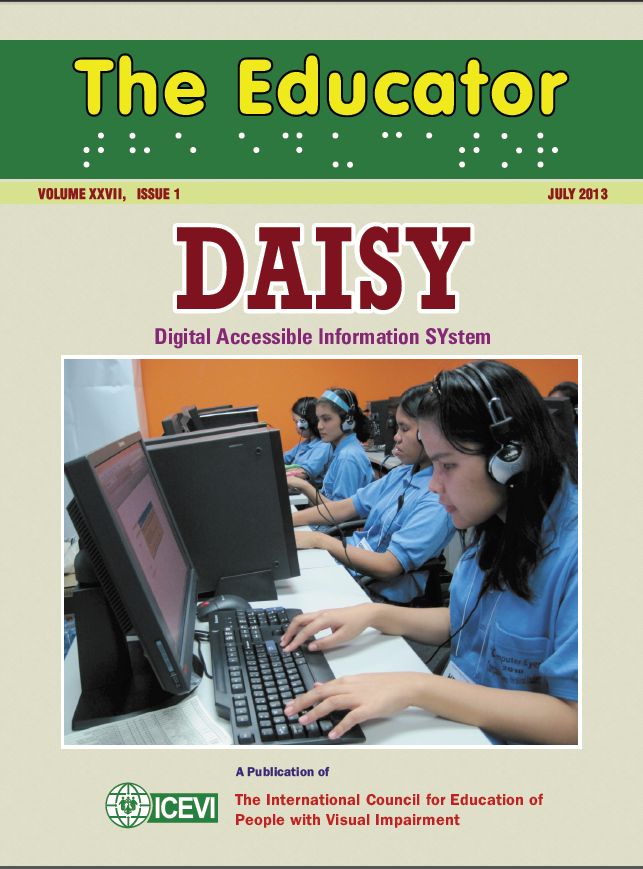
In the fall of 2013, an article written by Duxbury Staff came out in the publication The Educator (see page 52 of the pdf). You can also see a recent revision of this article.
This article describes the many ways that Duxbury Systems reaches out to help produce a braille translator in a new language. We have also enhanced many of our braille translators. Any translation project mentioned in the 2013 article as tentative has long since been finished and is part of each shipping copy of DBT.
The article in The Educator points out the number of ways that users around the world can work with Duxbury Staff to improve Duxbury DBT. Contact us at: languages@duxsys.com
Copyright Duxbury Systems, Inc. Thursday, December 7, 2023

